Features
All of attendance,
in one system
From check-ins to leave, shifts to advances — your HR operation's daily flow in a single panel. Every module included in one package.
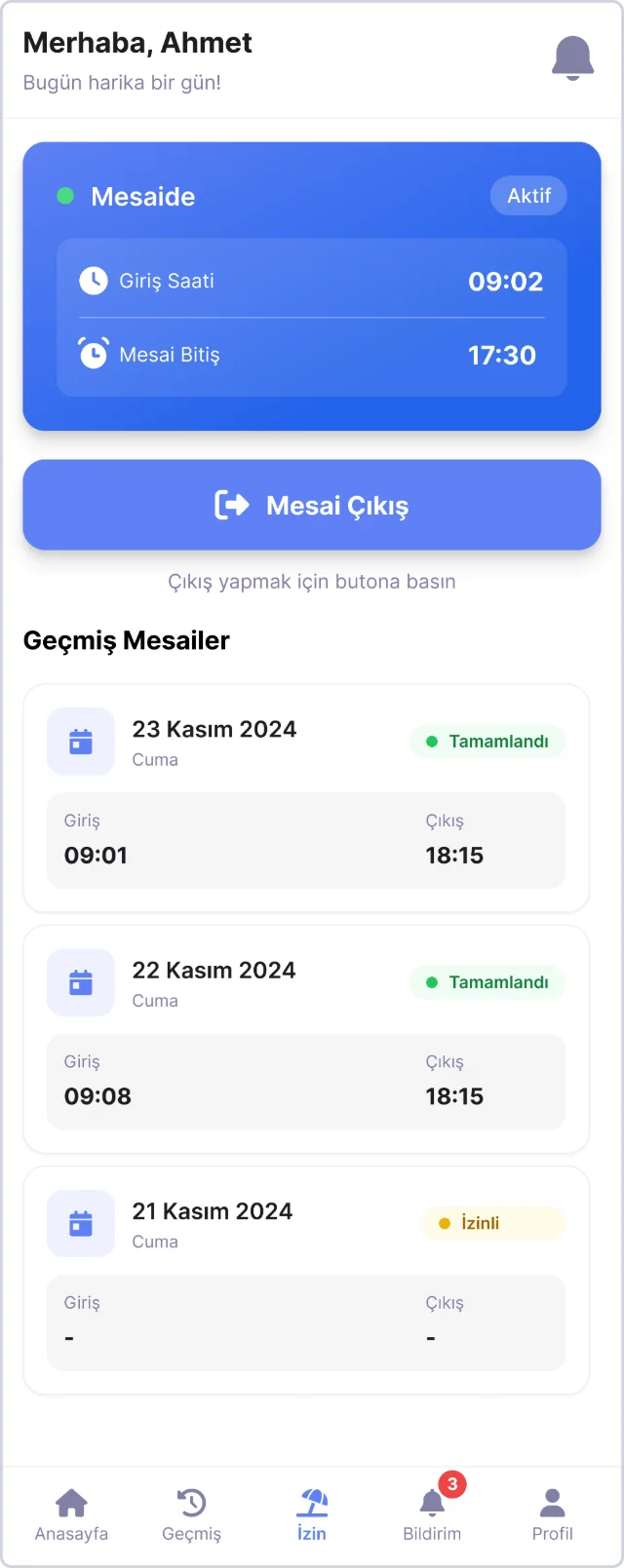
Check-in / out
GPS-verified, zero biometric data
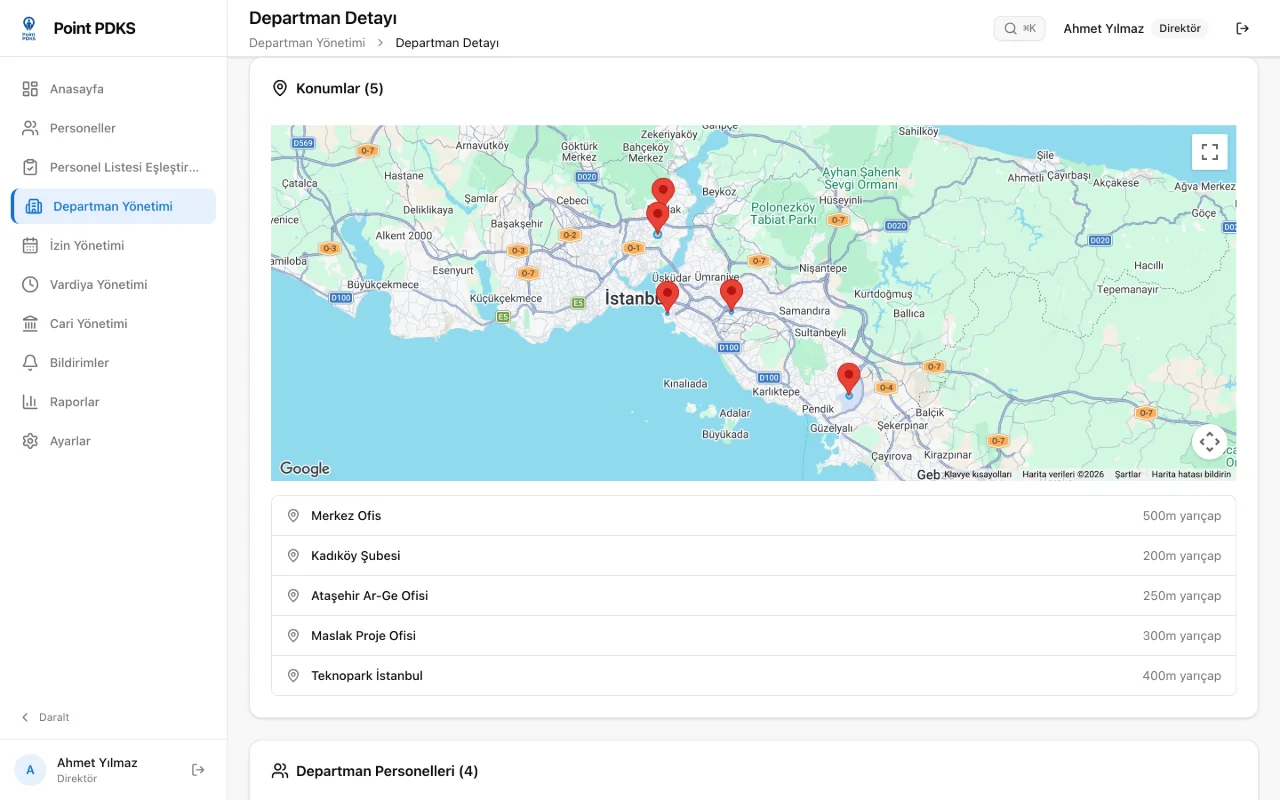
On arrival, employees check in from the app with one tap. The system compares their position against the office locations and radius you define per department — outside the area, check-in is rejected.
- Multiple office locations per department, metre-precise radius
- Deters fake-location apps and logs the attempts
- Device pairing: each account binds to one phone — no more buddy punching
- Automatic checkout at shift end for those who forget
Shifts
Flexible planning, overnight included
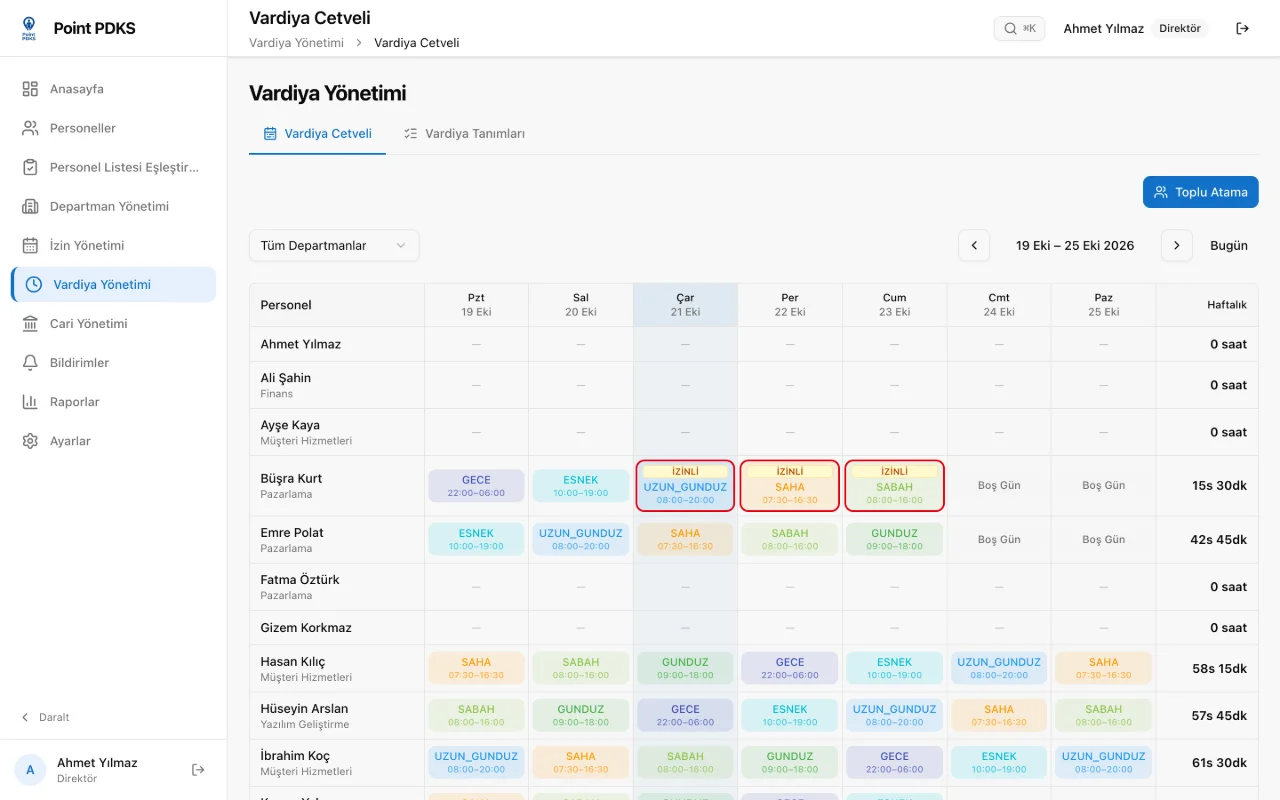
Define shifts once; assign them one by one or in bulk on a color-coded roster. Grace periods and breaks are set per shift, and time calculations follow.
- Shifts crossing midnight with automatic overnight checkout
- Paid/unpaid break definitions and net working-time calculation
- Per-shift grace for late arrival and early leave
- Per-employee schedule view with off days
Leave
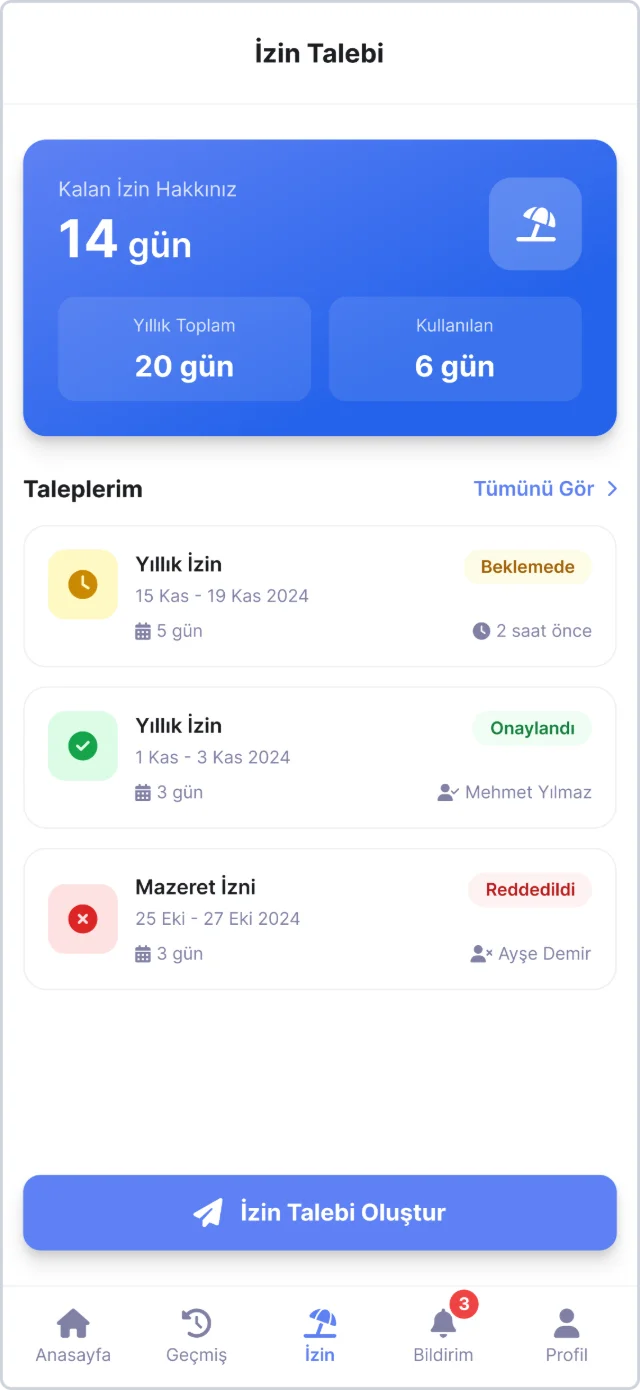
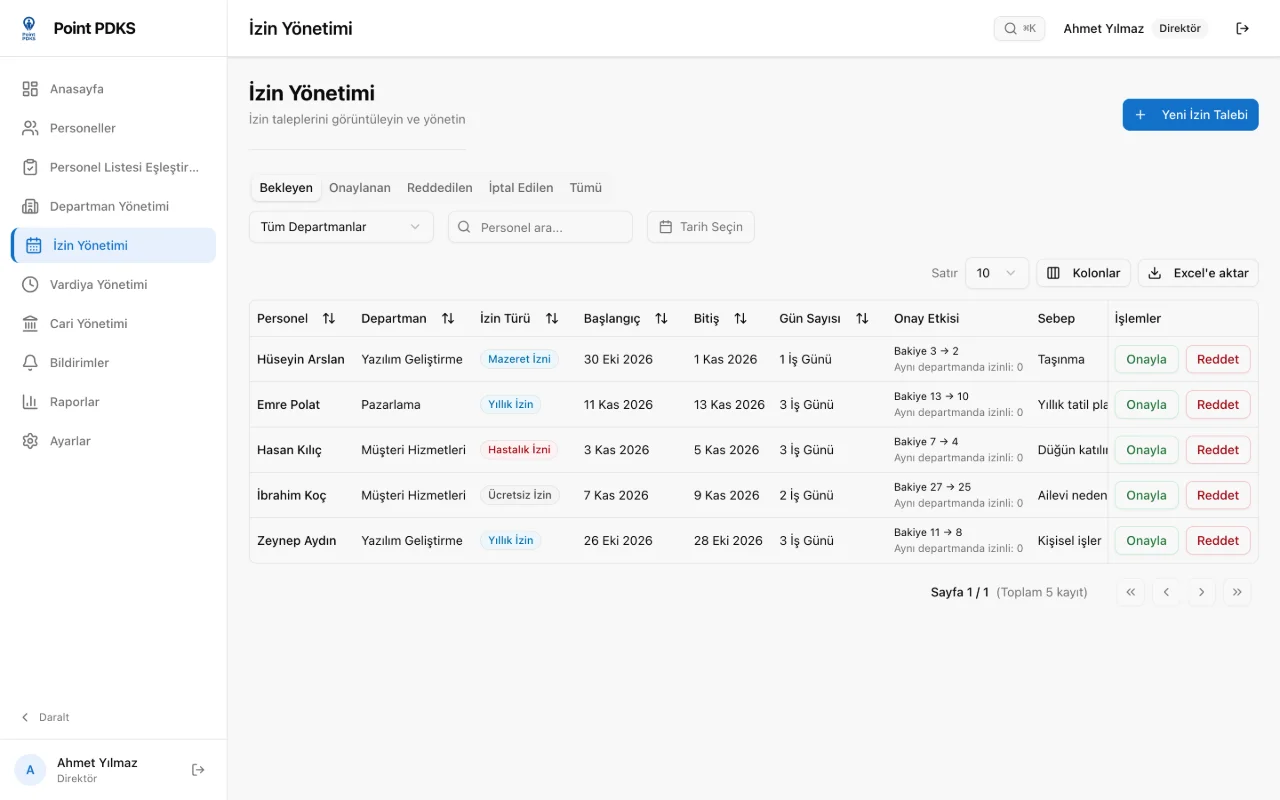
Leave management, request to balance
Employees request from the app; you approve with a tap or reject with a reason. Balances are tracked annually, and public holidays land on the calendar automatically.
- Annual, excuse, sick — quotas and paid/unpaid per type
- Half-day leave, reflected in timesheets automatically
- Turkish public holidays predefined, custom holidays supported
- Pending requests on the dashboard; approval history on record
Reports
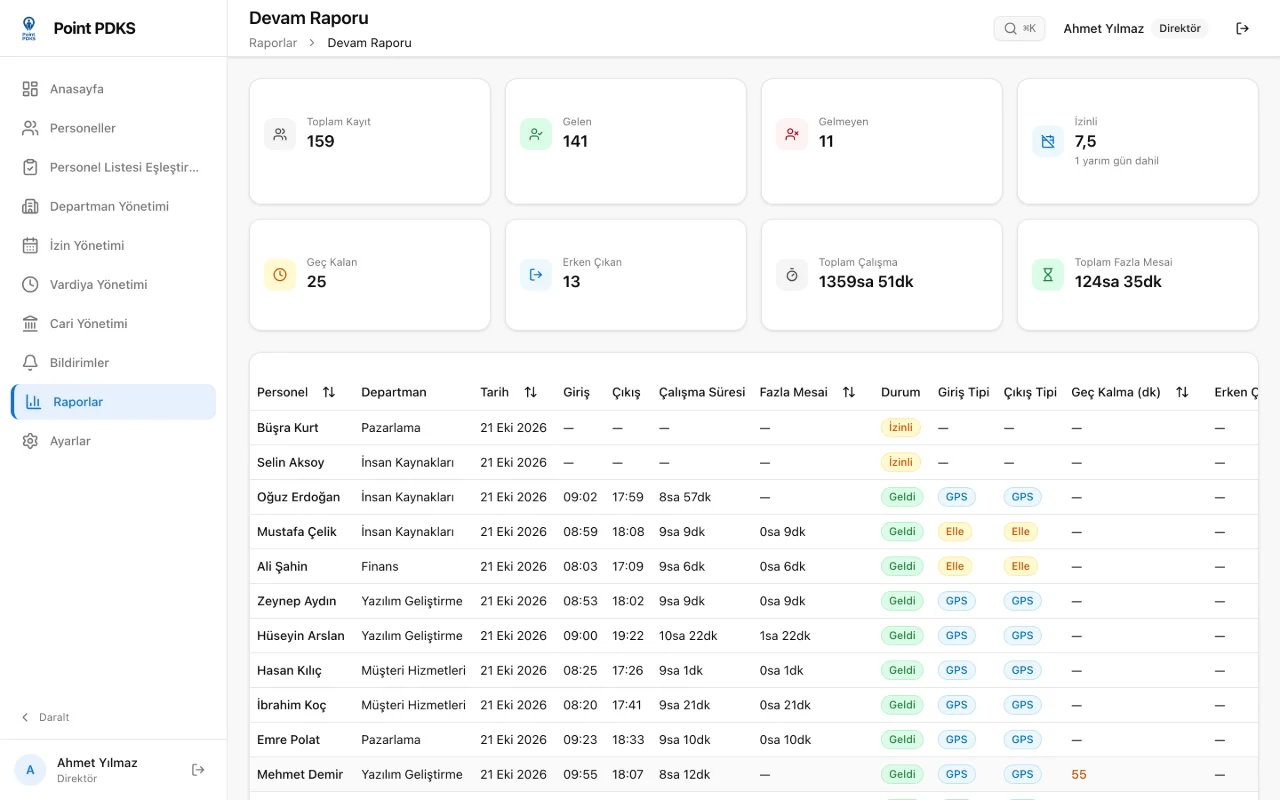
Payroll-ready data, one-click Excel
Attendance, leave and overtime reports filter by date range, department and employee. The output your accounting team expects is ready at month end.
- Late arrivals and early leaves calculated to the minute
- Overtime report generated from shift definitions
- Excel (XLSX) export — direct input to your payroll process
- Daily stats on the dashboard: who's in, on leave, or absent
Notifications
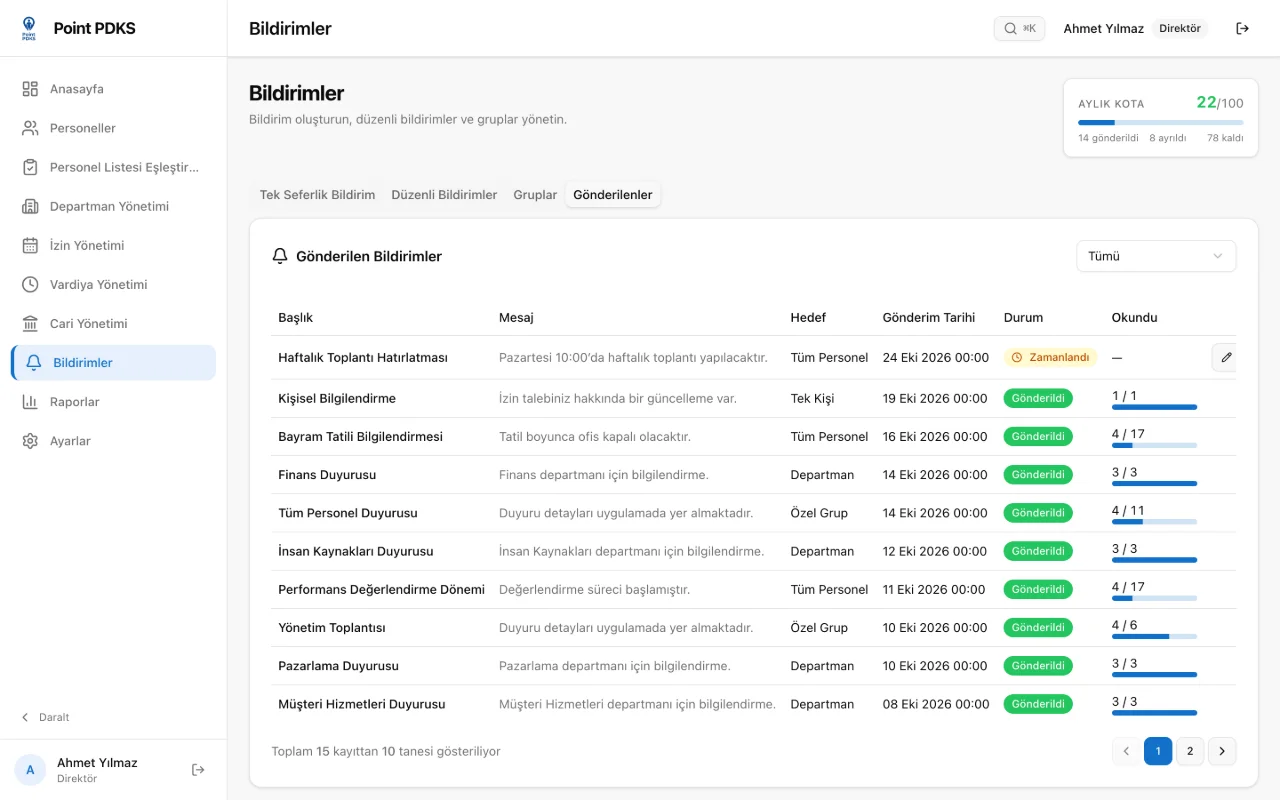
The right message, the right people
Send instant announcements to the whole company, a department, a custom group or one person. Set recurring reminders once and let the system send them every week; see who has read them and who has not.
- Instant, scheduled and recurring delivery
- Department, custom-group and single-person targeting
- Read receipts and a list of who has not read
- SMS-based password reset for employees
Ledger
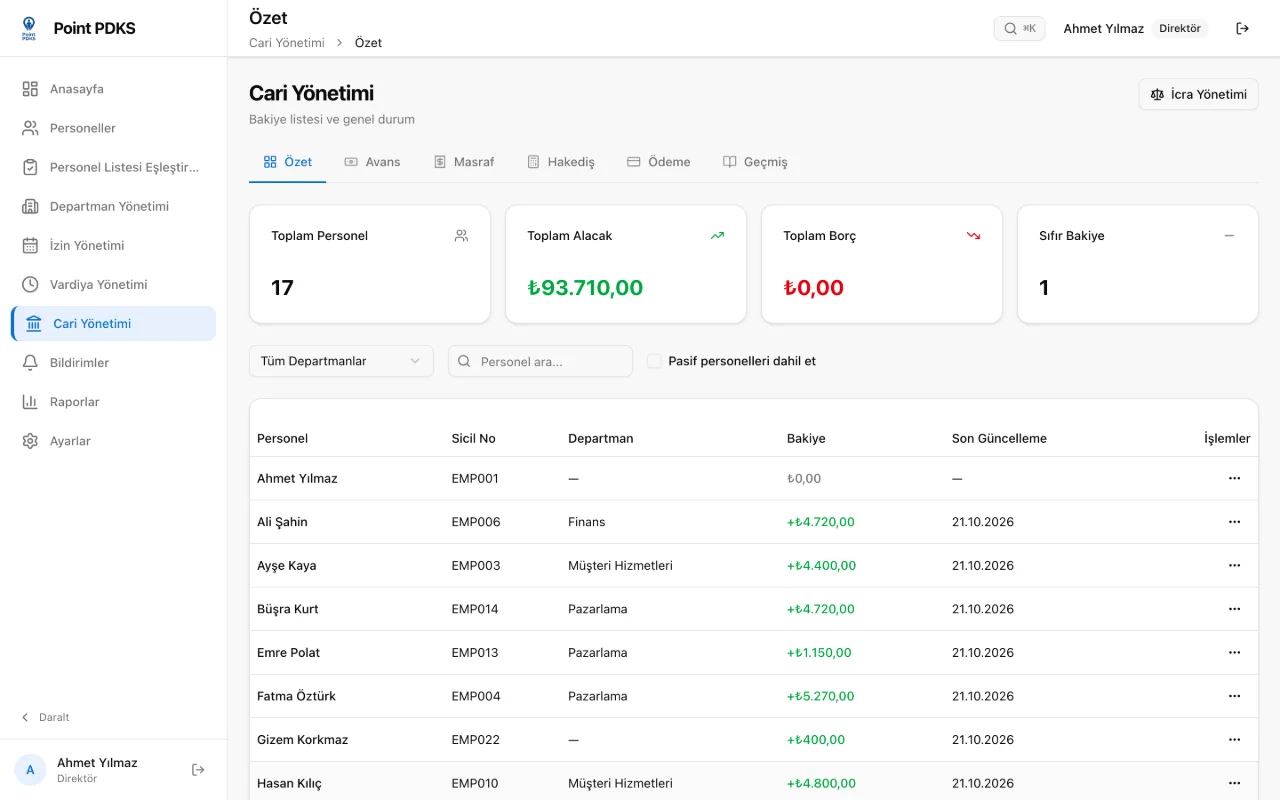
Employee finance, advances to garnishment
A running account per employee: advance requests, receipt-photo expenses, monthly accruals and payments in one ledger. Balances are always current.
- Advance requests from the app, approvals from the panel
- Receipt-photo expense records and custom expense types
- Monthly accrual runs and cash/bank payment records
- Garnishment files: institution, IBAN and automatic monthly deductions
Audit
Every change leaves a trace
Every manual timesheet correction is written to the audit log with who, when and what changed. The permission model scopes managers to their own departments.
- Before/after records for manual timesheet edits
- Every manual edit recorded with who changed what, and when
- Director and manager roles; department-scoped access
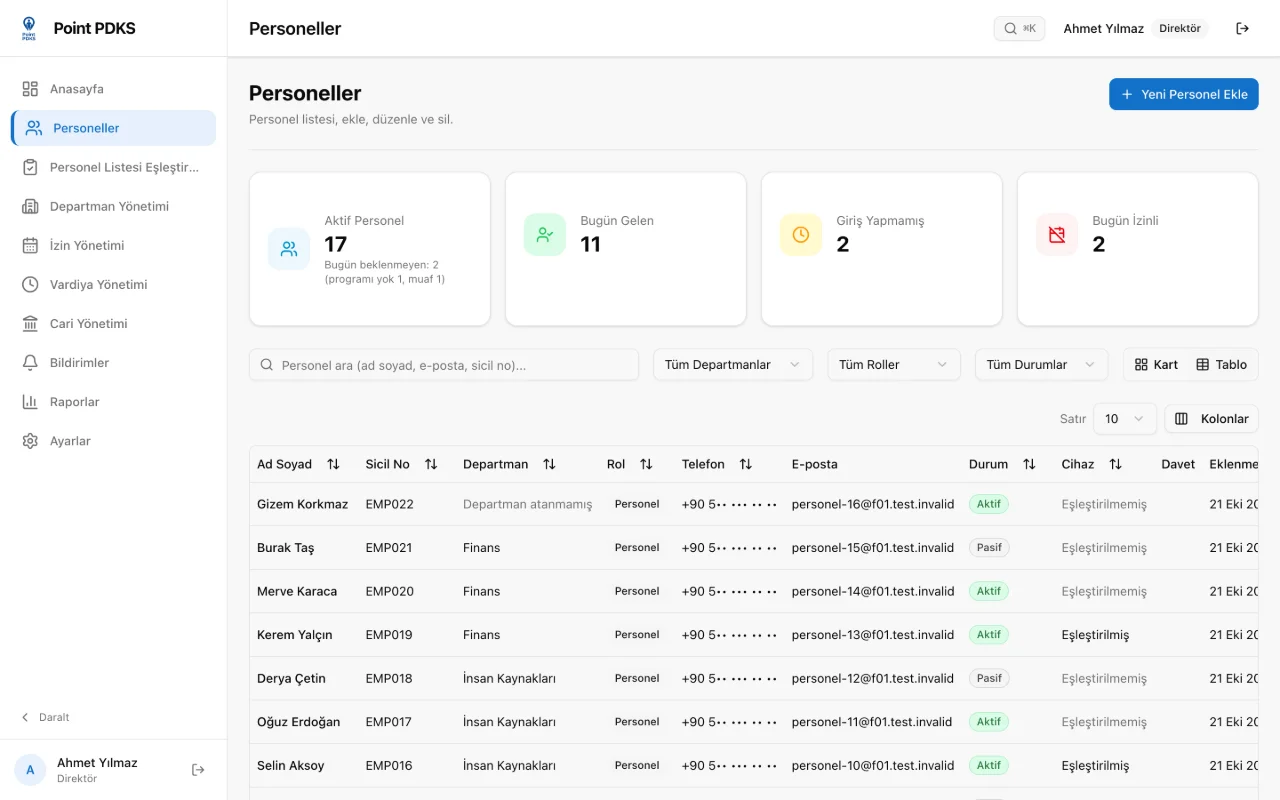
- Set the modules and behavior settings employees see on mobile
Mobile App
In your employees' pockets
Live on iOS and Android. Employees check in and out, request leave, ask for advances and see their ledger (accruals, advances, payments) — all from their own phone.
- One-tap GPS-verified check-in/out
- Leave requests and balance view
- Advances and receipt-photo expense claims
- Push notifications